A few months ago I was in the middle of a deadline crunch — writing a product brief, debugging some Python, and trying to summarize a 40-page PDF all at the same time. ChatGPT was my go-to. Then it went down. For three hours.
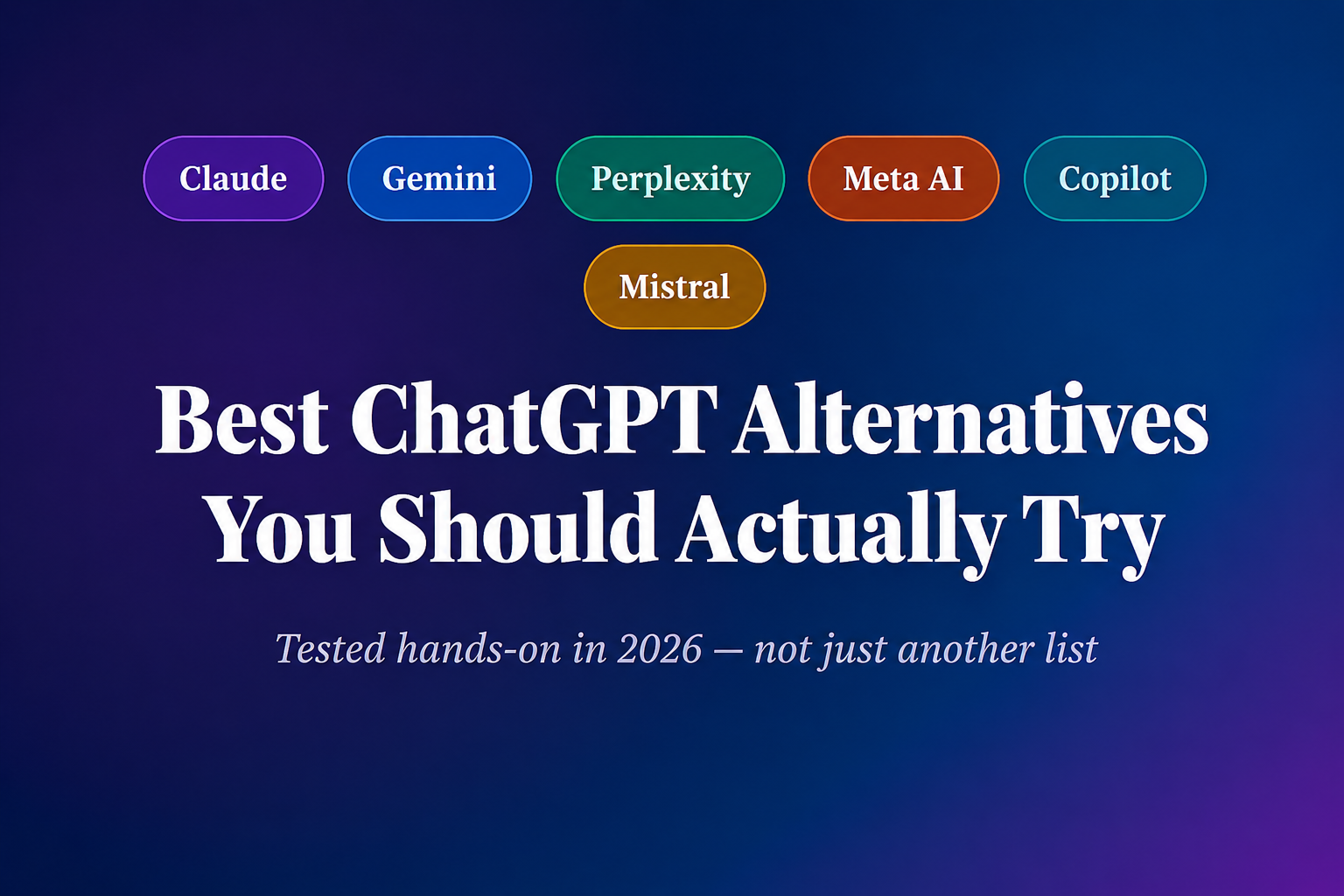
That’s when I realized I’d been way too dependent on a single tool. So I spent the next few weeks actually testing the major ChatGPT alternatives — not just signing up and poking around, but using them for real work. What followed surprised me.
Some of them are genuinely better than ChatGPT for specific jobs. A couple are good enough to be your daily driver. And a few are just… not there yet. Here’s the honest rundown.
“The best AI assistant isn’t the most famous one — it’s the one that fits how you actually work.”
Why even bother switching?
Fair question. ChatGPT is everywhere, the UX is polished, and the ecosystem is massive. But here’s what pushed me to explore alternatives:
First, ChatGPT’s free tier got stingier. Rate limits kick in fast, GPT-4o access fluctuates, and the “upgrade to Plus” wall appears more often than I’d like. Second, depending on what you’re doing — coding, research, creative writing, real-time news — other tools often do it better. And third, competition is healthy. These tools are all improving fast enough that what was true six months ago isn’t necessarily true today.
The alternatives worth your time
Claude (by Anthropic)
Honestly? Claude is the one I reach for most now when I’m writing anything longer than a tweet. The outputs feel more human, less “generated.” I gave it a 2,000-word article to edit once, and instead of just fixing grammar, it flagged three logical inconsistencies in my argument. That was a first.
The context window is enormous — you can paste in a whole research paper and ask detailed questions. It also refuses fewer things than ChatGPT without being reckless, which makes it better for nuanced or grey-area topics.
The free tier is generous, though Claude Pro (around $20/month) unlocks the best models. claude.ai is clean and fast.
✓ Strengths
- Long-form writing quality
- Deep reasoning on documents
- More natural tone
- Huge context window
✗ Limitations
- No native image generation
- Can be overly careful on edge cases
- Smaller plugin ecosystem
Gemini (by Google)
If your life runs on Google — Docs, Gmail, Drive, Calendar — Gemini integration is just hard to beat. I tested it by asking it to “summarize the last three emails from my manager and draft a reply.” It actually did it. That kind of native integration is something ChatGPT can’t match unless you’re deep in Microsoft’s ecosystem.
Gemini 2.5 Pro (the current flagship) is genuinely impressive at coding and multimodal tasks — throw it an image and ask technical questions, it handles it well. The free tier via Google One is decent for most casual users.
✓ Strengths
- Deep Google app integration
- Strong multimodal reasoning
- Free with Google account
✗ Limitations
- Inconsistent at creative writing
- Can feel “corporate” in tone
- Privacy concerns for some users
Perplexity AI
This one genuinely changed how I do research. Perplexity is less of a chatbot and more of an AI-powered search engine that actually explains what it found and cites its sources. I asked it about a recent policy change in the EU’s AI Act — ChatGPT (without browsing) gave me outdated info. Perplexity gave me a current, well-sourced answer in seconds.
It uses multiple AI models under the hood (GPT-4, Claude, Sonar models) and the free tier gets you real-time web search without any subscription. Pro unlocks image generation and more model choice.
✓ Strengths
- Real-time web search with cited sources
- Excellent for fact-checking
- Genuinely free real-time tier
✗ Limitations
- Not great for creative tasks
- Feels more like “lookup” than “chat”
4. Meta AI (Llama-powered)Best free option
If budget is your primary concern and you just need a capable AI assistant, Meta AI is shockingly good for free. It’s built into WhatsApp, Instagram, and Facebook — which means zero friction if you’re already using those apps. I’ve used the WhatsApp version to quickly translate text and explain concepts while traveling, and it worked better than I expected.
The Llama 3 models powering it are open-source and genuinely competitive. It won’t beat Claude for deep writing tasks or Perplexity for research, but for quick everyday questions? It punches well above its (zero) price point.
✓ Strengths
- Completely free
- Built into apps you already use
- Open-source foundation (Llama)
✗ Limitations
- Weaker on complex reasoning
- Limited tool integrations
💼5. Microsoft Copilot Best for Office users
For anyone who spends most of their day in Word, Excel, Teams, or Outlook — Copilot is worth serious attention. I watched a colleague use it to generate a pivot table analysis from raw sales data in Excel in about 45 seconds. It would have taken me 20 minutes to do the same thing manually.
The Microsoft 365 Copilot subscription is expensive ($30/user/month in most plans), but the free Copilot on Bing or the Windows taskbar is powered by GPT-4 and is genuinely useful at no cost. The catch is it leans heavily into Microsoft’s walled garden.
✓ Strengths
- Deep Office 365 integration
- Free Bing version uses GPT-4
- Great for enterprise workflows
✗ Limitations
- Best features are heavily paywalled
- Tightly tied to Microsoft ecosystem
6. Mistral Le ChatBest for privacy-conscious users
Mistral is the European dark horse in this race. Le Chat (their consumer interface) is fast, privacy-respecting under GDPR, and the underlying models — especially Mistral Large — are genuinely strong at coding and multilingual tasks. If you’re working in French, German, Spanish, or other European languages, Mistral often outperforms the big American models.
The free tier is solid. And because it’s based in France, it’s a real option for folks who care where their data is processed.
✓ Strengths
- GDPR-compliant, EU-based
- Excellent multilingual quality
- Fast and lightweight
✗ Limitations
- Smaller community and fewer plugins
- Less brand recognition
Quick comparison — who should use what
| Tool | Free tier | Real-time web | Best use case |
|---|---|---|---|
| Claude | ✓ Yes | ✓ Yes | Writing, long documents, reasoning |
| Gemini | ✓ Yes | ✓ Yes | Google Workspace users |
| Perplexity | ✓ Yes | ✓ Yes | Research, news, fact-checking |
| Meta AI | ✓ Yes | ~ Limited | Everyday casual use, zero cost |
| Copilot | ✓ Yes | ✓ Yes | Microsoft Office workflows |
| Mistral | ✓ Yes | ~ Limited | Privacy, multilingual, Europe-based |
Common mistakes people make when switching
⚠ Mistake #1 — Using one tool for everything
Treating every AI tool as a replacement for ChatGPT rather than a complement. The smarter move is to have 2–3 tools for different jobs. I use Perplexity for research, Claude for writing, and Copilot when I’m in Excel.
⚠ Mistake #2 — Judging by one conversation
AI responses vary a lot based on how you prompt. A tool that gives you a bad first response might give you gold on the second try with a better prompt. Give each tool at least a week of real use before writing it off.
⚠ Mistake #3 — Paying before testing the free tier
Most of these tools have genuinely useful free tiers. I spent two months on Perplexity Pro before realizing the free tier covered 80% of what I needed it for. Test thoroughly before paying anything.
How to actually pick the right one for you
Here’s a simple 6-step process I’d recommend to anyone making the switch:
- Write down the 3 things you use ChatGPT for most (coding help, email writing, research, etc.)
- Match those tasks to the tool strengths in the comparison table above
- Sign up for the free tier of your top 2 picks — don’t pay yet
- Spend one week using each for your real tasks, not toy tests
- Ask the same complex question to both and compare outputs side by side
- Only then consider upgrading — and only if the free tier is genuinely holding you back
💡 Pro tip
Build a small personal prompt library — a notes doc with the prompts that work best for your most common tasks. When you switch tools, just test those same prompts. It makes comparison 10x faster and far more meaningful than ad-hoc testing.
What about open-source options?
If you’re even slightly technical, it’s worth knowing that models like Llama 3.3, Mistral 7B, and DeepSeek can be run locally on your machine using tools like Ollama or LM Studio. Completely private, completely free. The quality gap with hosted models has closed significantly in 2025–2026.
I run a local Llama model on my laptop for anything I don’t want going through a company’s servers — personal notes, client work under NDA, that kind of thing. It’s slower than the hosted versions, but the privacy is worth it for certain tasks.
After all this testing, my honest take: ChatGPT is still excellent — but it’s no longer the obvious default. Claude edged it out for writing in my workflow. Perplexity replaced it for research entirely. And Gemini is slowly winning me over through its Google integration alone.
The real winner here is you — because there are now six or seven genuinely good AI tools competing for your attention, most of them free. That wasn’t true two years ago. We’re in a golden moment for AI tooling. Might as well explore it.