Best WordPress Themes of 2025 — I Tested Dozens So You Don’t Have To
Three years ago, I spent an entire weekend rebuilding a client’s website from scratch because we’d chosen the wrong theme at the start. Not a broken theme. Not an ugly one. Just the wrong one — and by month four, every small customization had turned into a battle. Page load times crept up, the block editor was fighting the theme’s legacy shortcodes, and the client’s developer wanted to throw their laptop out a window.
That experience made me obsessive about themes. Since then, I’ve built or rebuilt somewhere around 40 WordPress sites across different niches — blogs, local businesses, portfolios, WooCommerce stores. I’ve watched trends come and go, seen “lightweight” themes balloon after updates, and learned the hard way that a pretty demo means almost nothing in practice.
So here’s what I actually know, from actually using these things.
Before We Get Into the List — What Makes a Theme Actually Good?
Most “best themes” lists rank based on screenshots and features pages. That’s backwards. Here’s what actually matters once you’re six months into a site:
Speed out of the box. Some themes load 8+ scripts on every page even when you don’t use those features. That’s your Core Web Vitals suffering before you’ve added a single plugin.
Compatibility with the block editor (Gutenberg). If a theme was built for the classic editor and bolted on FSE (Full Site Editing) support later, you’ll feel it. Things won’t quite line up. Blocks will behave inconsistently.
How the developer handles updates. A theme that was great in 2021 but hasn’t been meaningfully updated since is a security and compatibility liability.
Real support, not a forum graveyard. I’ve submitted support tickets to major theme companies and waited 11 days for a reply. That’s unacceptable when a client site is broken.
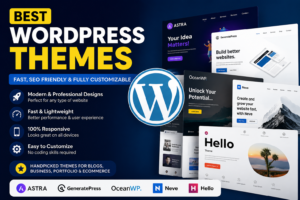
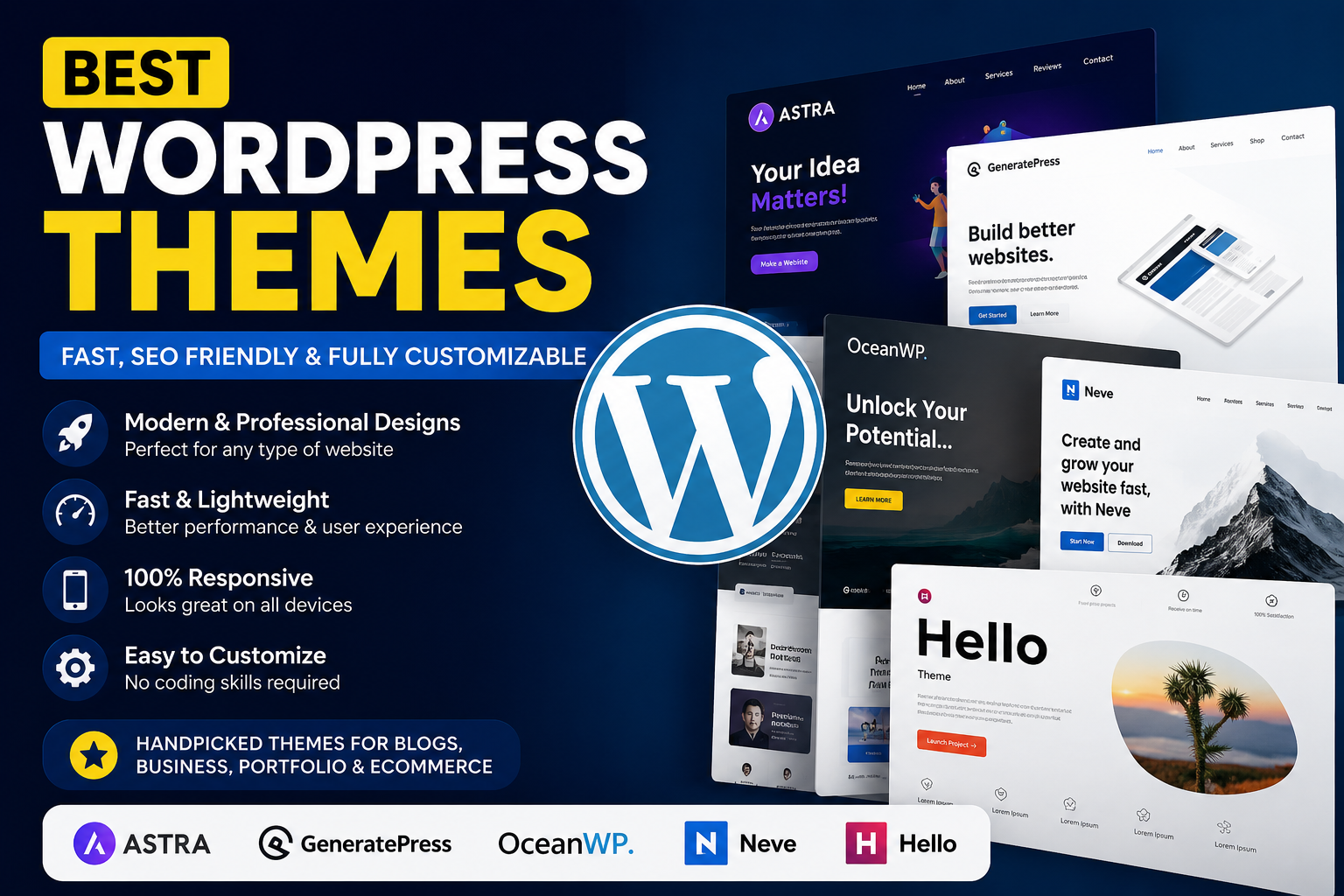
With that framing, here are the themes I actually recommend — and the situations where each one fits.
Astra — The One I Recommend Most Often
I’ve used Astra on probably 15 sites at this point. It’s not flashy. The free version looks plain until you pair it with a starter template. But it is fast — genuinely fast, loading in under 50KB without a page builder — and it plays well with everything.
What I love about it: you can import a full starter site in about 90 seconds using their onboarding wizard, then customize through the Customizer or Elementor/Beaver Builder/Bricks, whichever you prefer. I’ve handed Astra sites off to clients with zero technical background and they’ve managed fine.
The free version is enough for blogs and basic business sites. The Pro version ($59/year) unlocks more header/footer builder options, mega menus, and WooCommerce customizations. Worth it if you’re doing anything beyond a basic setup.
One thing to know: Astra is opinionated about its Starter Templates ecosystem. If you want to go fully off-script, you’ll be rebuilding a lot manually. That’s fine, but factor it in.
Kadence — My Pick for People Who Want Design Control
I switched to Kadence for most of my newer builds after spending time with their block theme. The free version is surprisingly capable, and the block editor integration is excellent — better than Astra’s in my experience.
The header builder alone is worth it. You get full drag-and-drop control over your header layout without any page builder. And the Kadence Blocks plugin (also free) adds a genuinely useful set of block extensions — accordion, tabs, icon lists, testimonials — without the weight of Elementor.
I used Kadence for a photography portfolio last year. The client wanted an unconventional layout — full-width gallery sections, no sidebar, minimal navigation. We built it entirely in the block editor, zero custom code, under 3 hours. It looked professionally designed.
The Pro bundle ($129/year) includes premade templates, advanced customization, and their WooCommerce integration. A bit pricier than Astra Pro, but the feature set is more modern.
GeneratePress — For People Who Really Care About Performance
If you’ve ever run a site through GTmetrix or PageSpeed Insights and wanted a perfect score, GeneratePress is the one to try. It’s built with performance as the primary value, and it shows: the base theme is under 30KB, generates minimal CSS, and adds almost nothing to your Time to First Byte.
I use it for content-heavy sites where SEO is the main driver — affiliate blogs, local news, that kind of thing. Pair it with GenerateBlocks (their companion plugin) and you get a surprisingly flexible layout system that adds almost no performance overhead.
The downside: the learning curve is steeper. There’s no visual drag-and-drop by default. You’re working with blocks and the Customizer, and the design vocabulary is minimal until you build it out. Not ideal for someone who wants a polished result quickly.
The Premium version is $59/year or $249 for lifetime. If you’re building multiple sites, the lifetime deal is genuinely good value.
Blocksy — The Most Underrated One on This List
I discovered Blocksy about a year ago when a developer friend mentioned it in passing. It was a good tip.
Blocksy has an unusually complete free version — it includes a header/footer builder, multiple header layouts, transparent header support, and WooCommerce integration all without paying. The Pro version ($69/year) adds sticky headers, advanced typography, and a content blocks system that’s useful for custom sidebars and off-canvas menus.
The performance is solid, design options are modern, and the documentation is actually readable. I’ve started reaching for it on WooCommerce builds in particular because the free tier covers so much of what you’d normally need a premium theme for.
OceanWP — A Solid Choice for WooCommerce, With Caveats
I’d be leaving something out if I didn’t mention OceanWP. It has a massive user base for good reason — it was one of the first themes to take WooCommerce seriously, and the free version includes a lot of ecommerce-specific features.
That said, I’ve had mixed experiences with it. On older servers or shared hosting, it can feel heavier than Astra or GeneratePress. And the extension model (you pay per extension rather than for a bundle) can get expensive fast if you need multiple features.
If you’re on a tight budget, starting a WooCommerce store, and don’t need elaborate customizations, OceanWP is a reasonable starting point. For anything more complex, I’d go Kadence or Astra Pro.
The Mistakes I See People Make When Choosing a Theme
Choosing based on the demo. Demo sites are built by professional designers with premium plugins, custom images, and hours of tweaking. Your site won’t look like that by default.
Ignoring the plugin compatibility question. Before committing to a theme, check which page builders and plugins it officially supports. Conflicts are a real time sink.
Buying a cheap theme from a marketplace. Some of those $20 Envato themes haven’t been updated since 2019. You might get a clean-looking site and a security vulnerability baked in.
Switching themes mid-project. This one stings. Theme switches can break your layout, lose widget configurations, and occasionally corrupt post meta. If you’re going to switch, do it before content is in.
Choosing a theme just because a tutorial used it. A lot of YouTube tutorials use Elementor + Hello Theme or Divi because those sponsor creator content. That doesn’t mean they’re the best choice for you.